ASR includes a wide set of reports available for the data stored and maintained by ASR. Reports are generated on-demand and are presented in the form of PDF or XLS (Microsoft Excel) files.
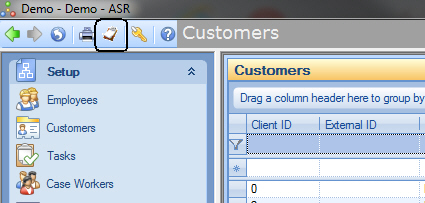
Reports are launched from the "Reports" toolbar button of the main ASR toolbar:
Clicking on the "Reports" button on the toolbar opens the Reports dialog:
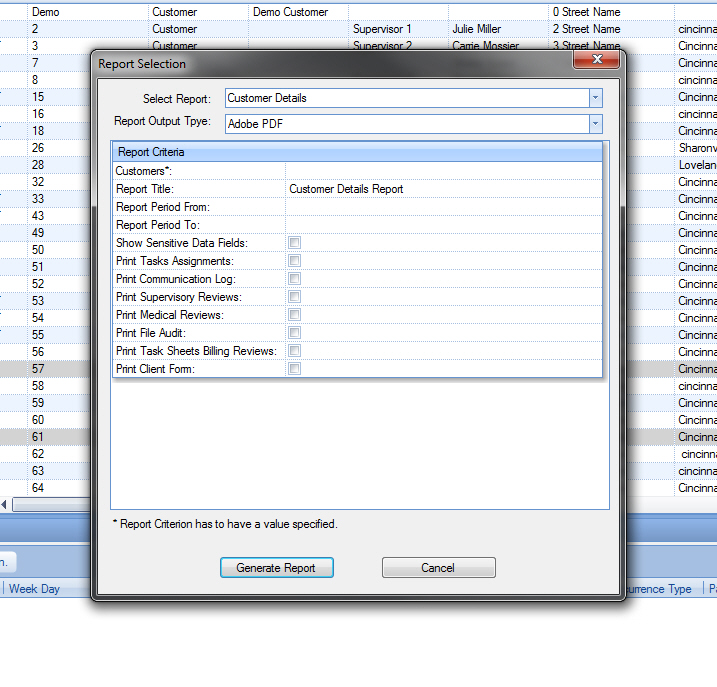
To generate a report the following steps need to be taken:
Once the report is selected and all report criteria are selected, click the "Generate Report" button to launch the report. It will take a few seconds to generate the report. If the Output Format selected was "PDF", ASR will open an Internet Explorer, Firefox, Chrome, etc. (depending what is the default browser on the computer) window with the PDF report loaded. You may be prompted for allowing opening the file depending on security settings of your browser. Please refer to your browser's documentation for enabling loading and displaying PDF content.
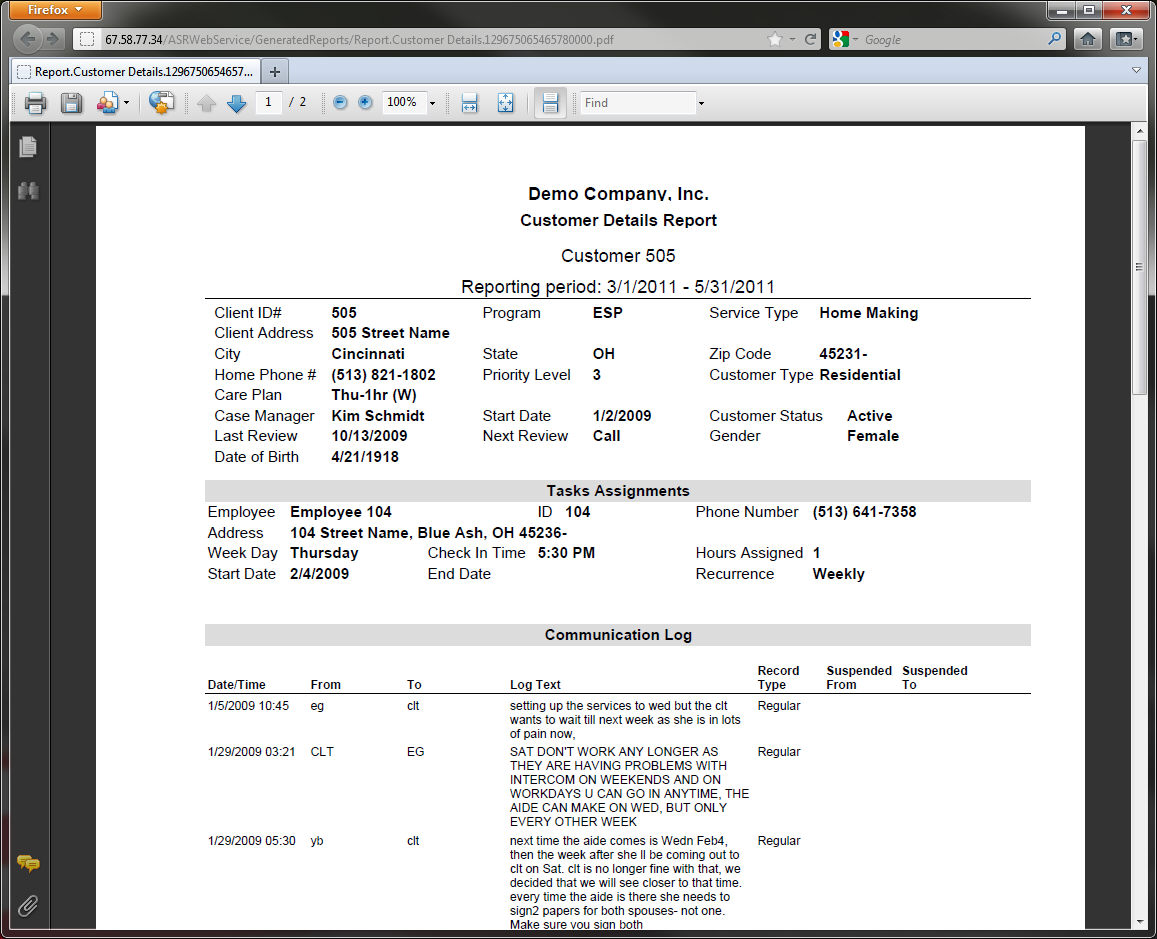
Here's a sample of the loaded PDF report into the Firefox browser:
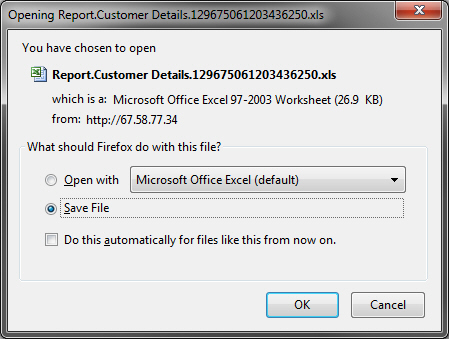
If the selected report output format was Excel (XLS files), the browser will prompt to download and save the XLS file. Once the file is saved, you can open the file using Microsoft Excel. Here's the prompt for Firefox browser:
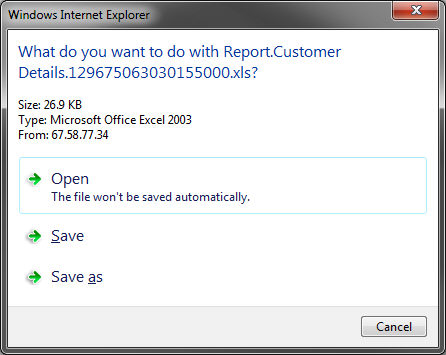
This is an example of the prompt for Microsoft Internet Explorer: